Complete guide to home automation: how to choose useful gadgets and avoid pitfalls
Home automation is no longer a futuristic luxury: it has become a daily presence in many homes. But choosing the right devices is not so simple. Between marketing promises and real-world uses, the key is to differentiate between devices that fit naturally into your life and those that add unnecessary complexity. This guide will help you see things more clearly, using concrete examples, real benefits, and a few practical precautions.
1. Prioritize real usefulness
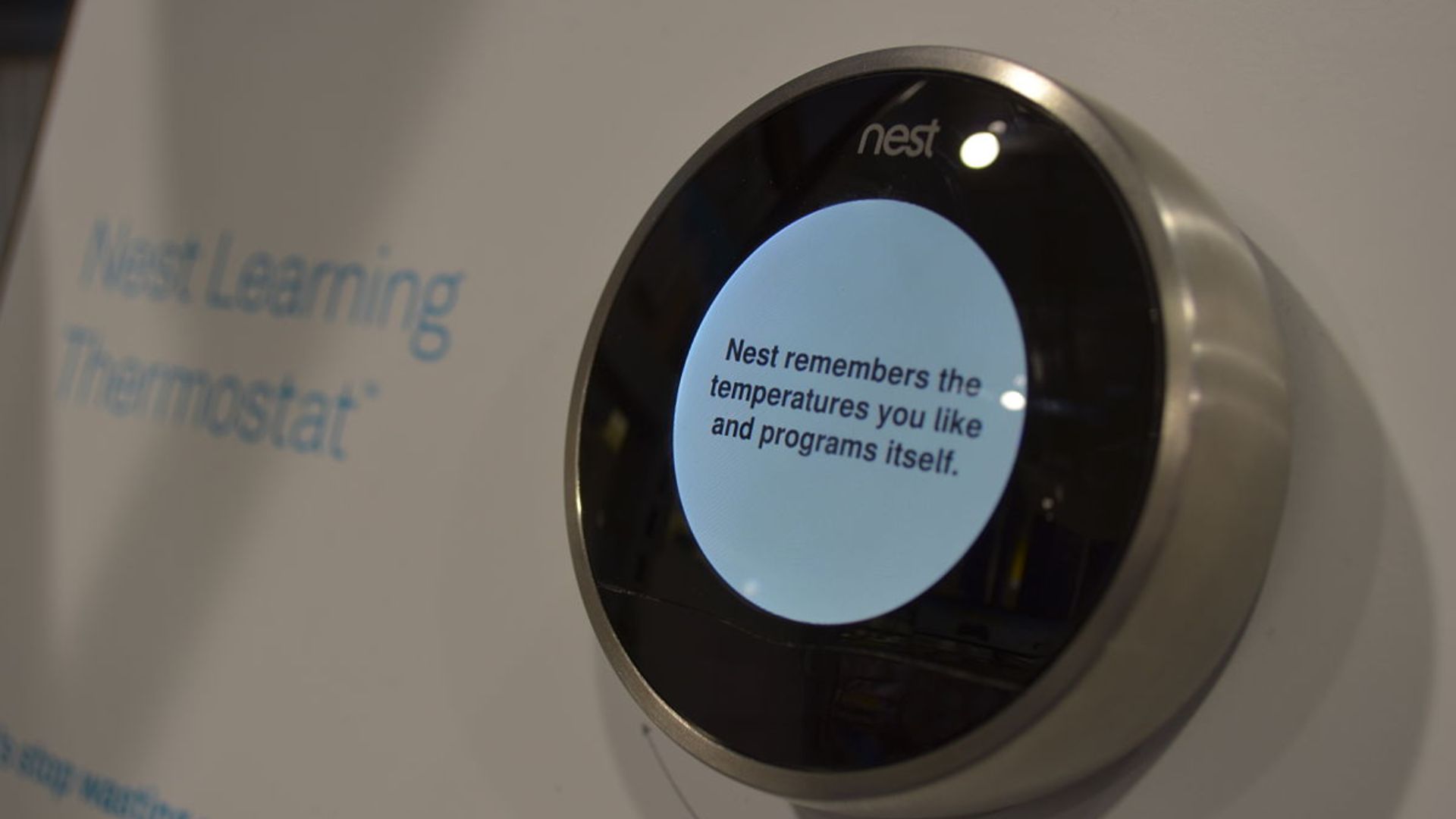
Before buying, ask yourself two questions: does this gadget solve a real problem? And does it do so better than a non-connected solution? The Nest Learning thermostat is a good example of this criterion: by learning your habits, it reduces manual adjustments and can lower your energy bill in the long term. Conversely, a screen built into a refrigerator may seem appealing, but if you rarely use its multimedia features, the extra cost is not justified.
2. Prioritize interoperability
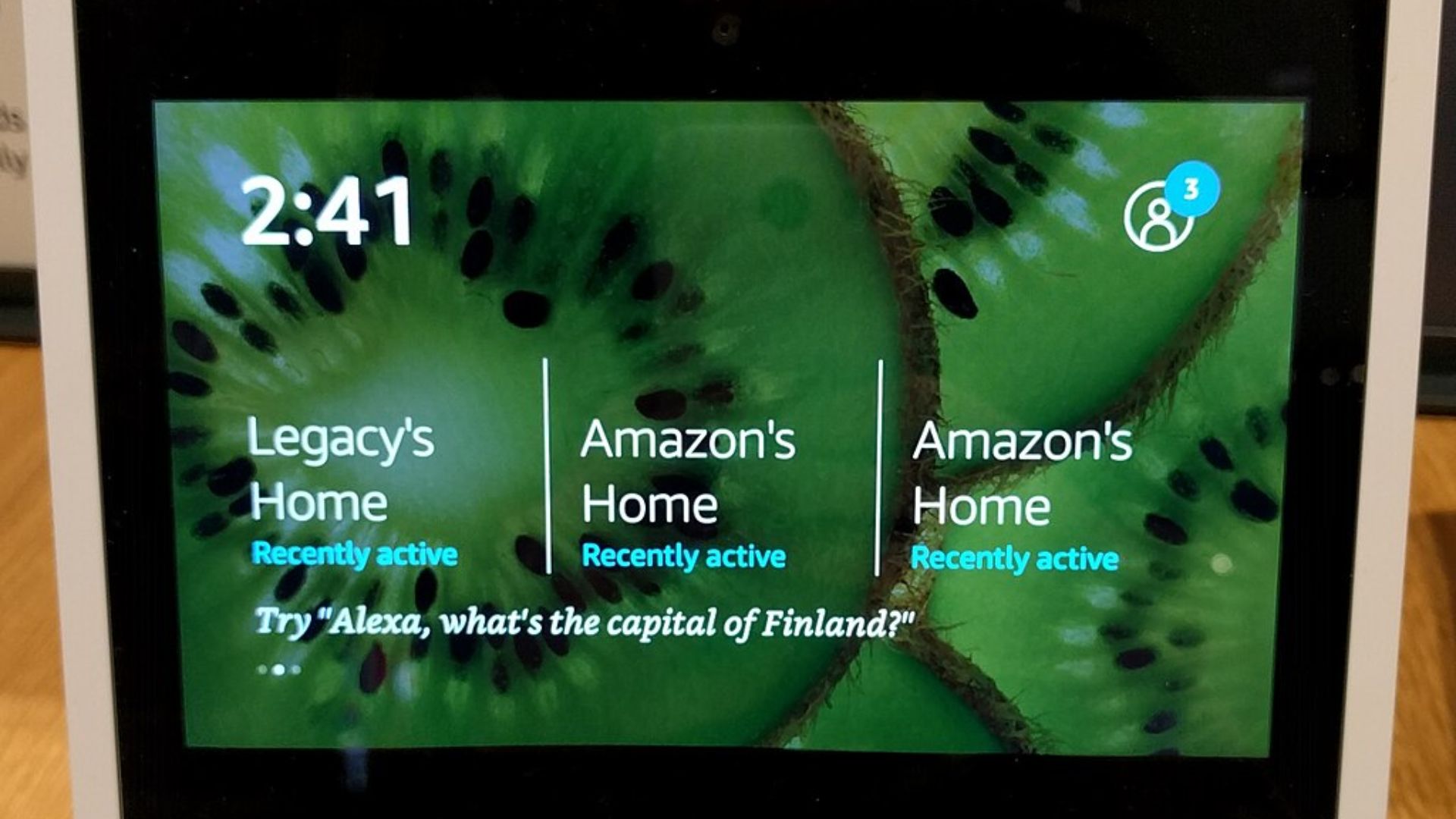
A device that works on its own but refuses to cooperate with your other equipment quickly becomes a source of friction. Modern hubs (such as the Echo Hub, which supports Matter and Thread) reduce fragmentation by allowing multiple brands to communicate with each other. If you’re just starting out, begin with a hub or platform that you plan to keep, and check the compatibility of future purchases.
3. Convenience vs. complexity: striking the right balance
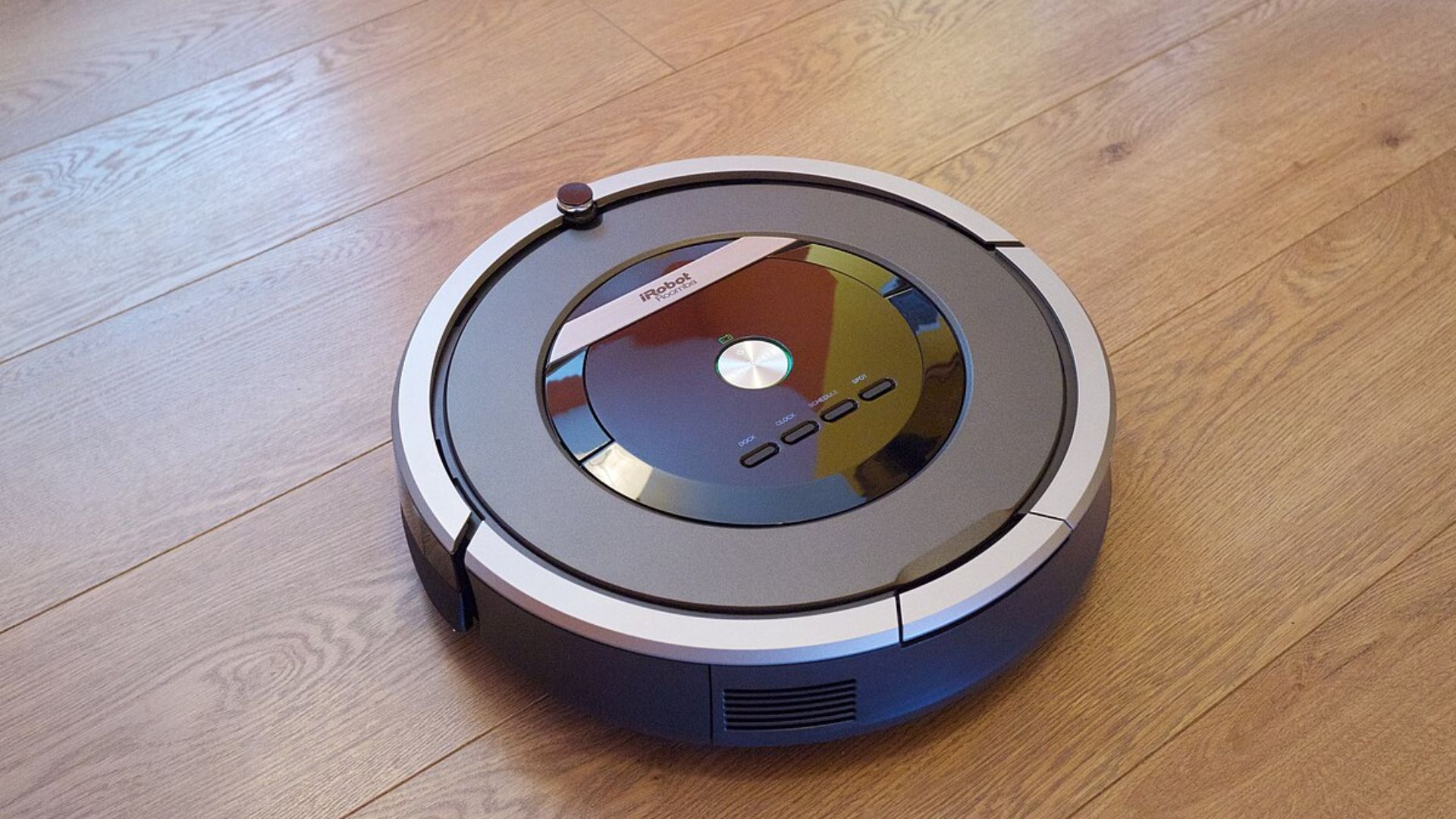
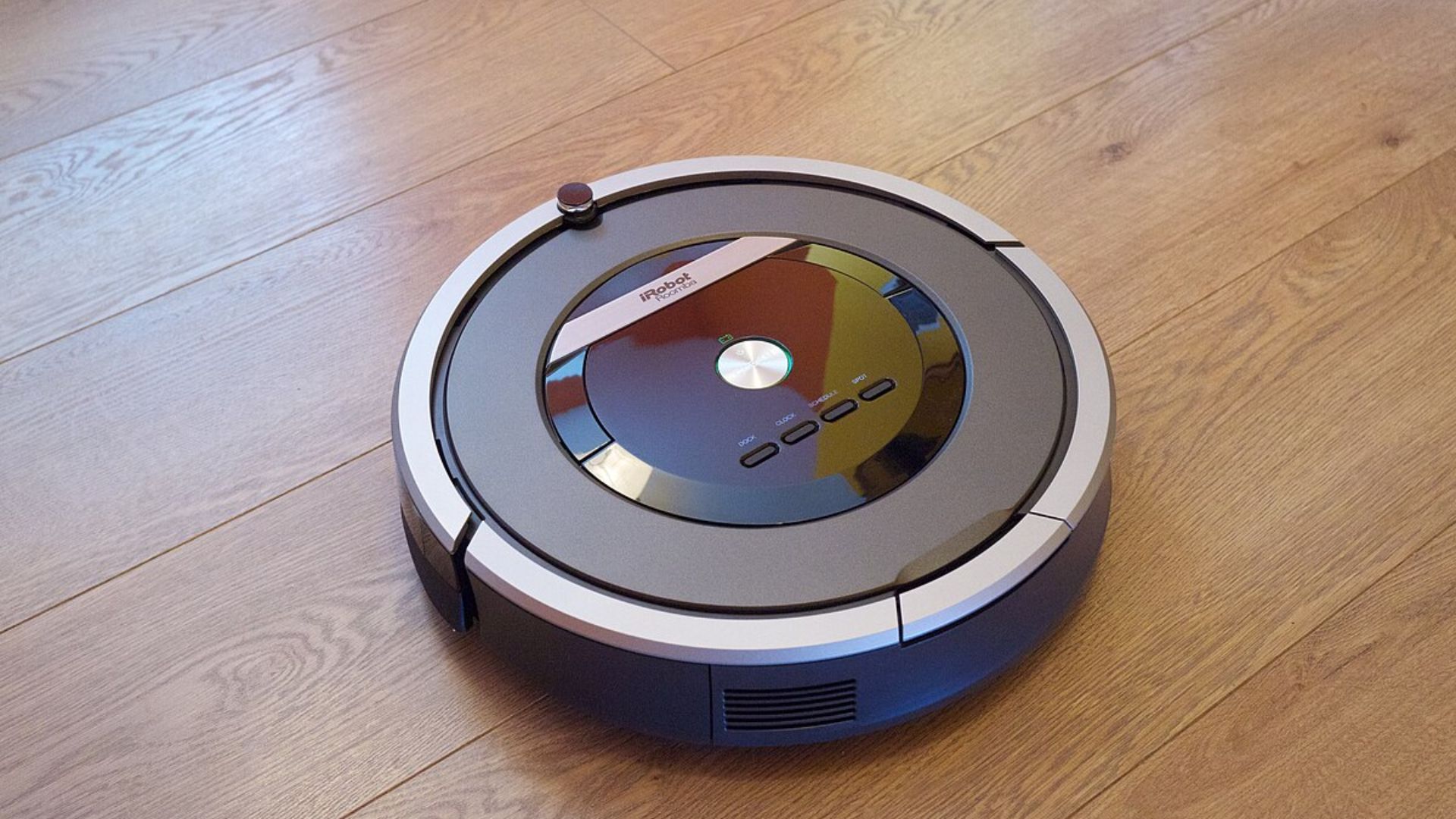
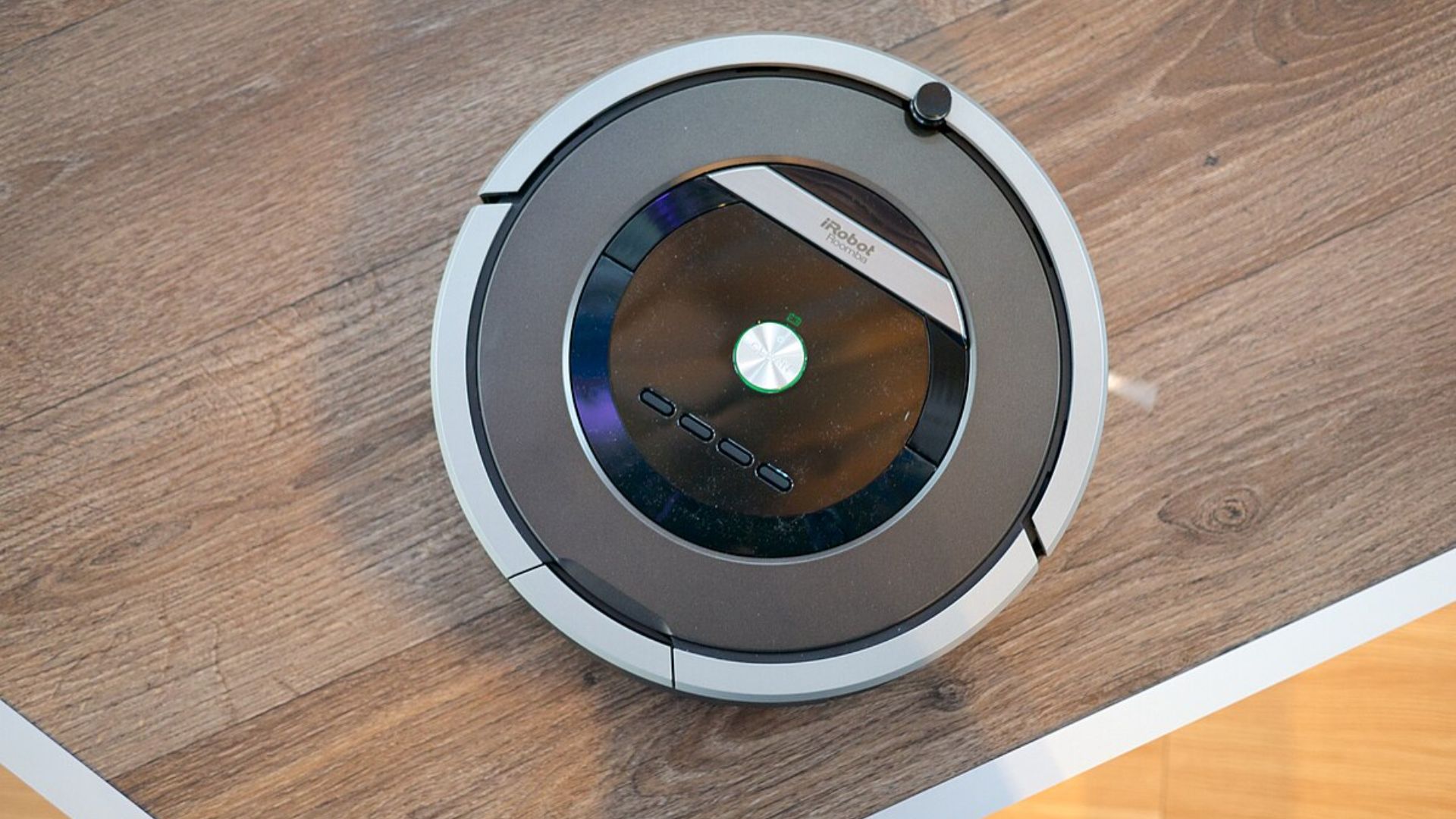
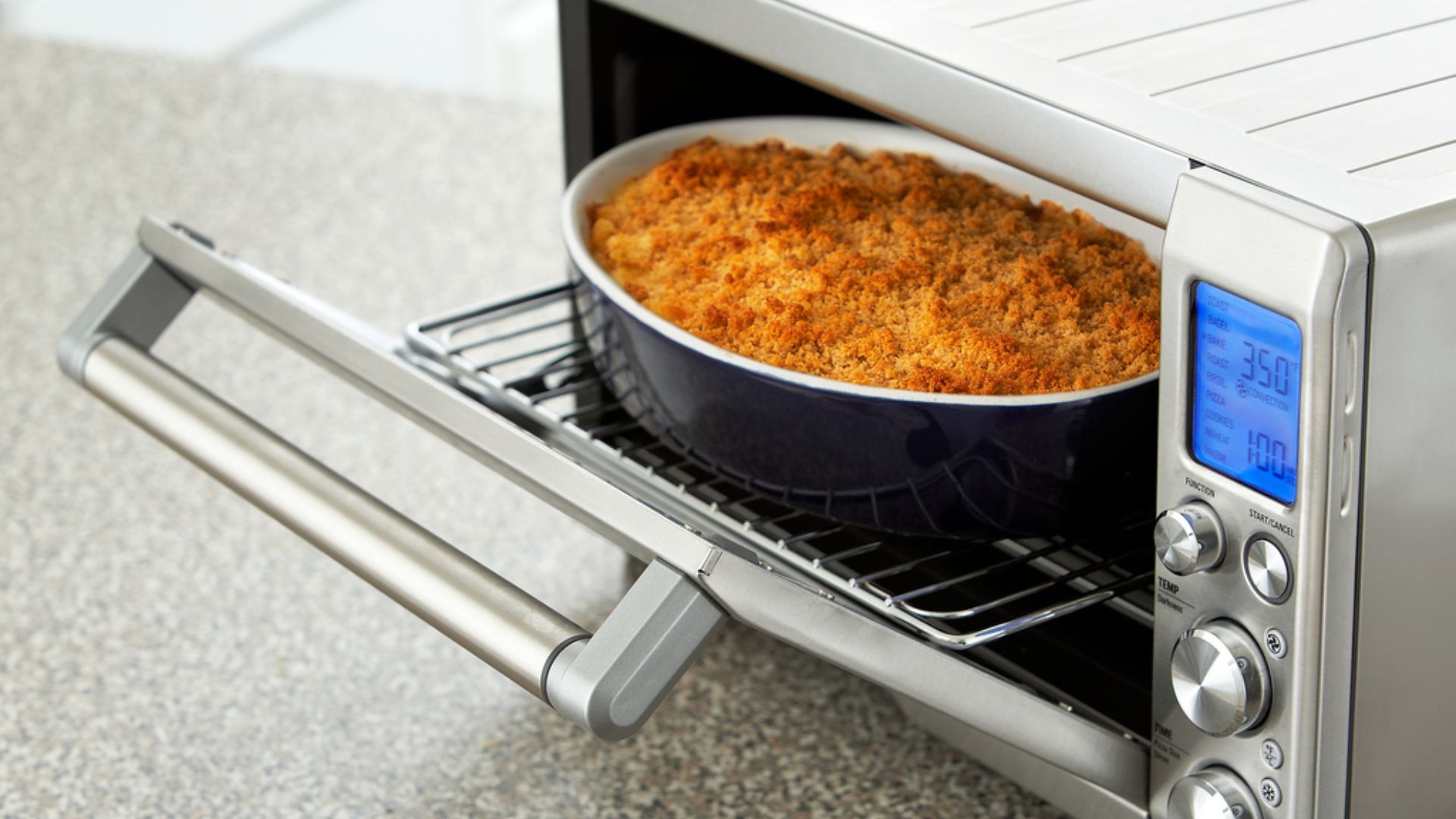
High-end robot vacuums, such as the iRobot Roomba Combo j9+, strike a good balance: true automation, reduced maintenance, and tangible time savings. On the other hand, some « overly smart » devices (such as certain connected ovens or microwaves) turn a simple action into a series of steps: opening an app, logging in, updating… which can sometimes take longer than the traditional method.
4. Examine the business model
Be wary of devices that require a subscription to function properly. The Tovala Smart Oven, which relies heavily on the sale of compatible dishes, loses much of its appeal if you cancel your subscription. Before buying, calculate the total cost over 1 to 3 years: the device + any subscriptions + accessories. Sometimes, a good traditional device costs less and remains more flexible.
5. Privacy and security
Cameras, voice assistants, and hubs collect data. Choose transparent manufacturers and check the local versus cloud storage options. The Arlo Pro 5S offers robust options, but cloud storage requires a subscription; some families may prefer a local storage solution for privacy reasons.
6. Installation and maintenance
Some products require professional installation (e.g., certain digital showers) or regular updates that may interrupt functionality. If you are not prepared to manage these aspects, opt for tested and stable plug-and-play solutions.
7. Practical buying tips
- Start small: a thermostat, a smart light bulb, or an outdoor camera, depending on your priorities.
- Look at the ecosystem: investing in a platform (Alexa, Google, HomeKit) makes future upgrades easier.
- Read user reviews on longevity and the quality of software updates.
In short, home automation is great when it simplifies everyday tasks. Choose devices that truly automate tedious tasks, check for interoperability, and be wary of subscription-based business models or gadgets that complicate rather than help. With a little method, your connected home can become a true ally, discreet and efficient.