With thousands of photos scattered across your smartphone, hard drive, cloud storage, social media and photo albums, finding a specific image for your slideshow or Facebook profile picture could take weeks. You also risk losing photos when you don’t have copies or a searchable database and when they’re gone, they’re gone forever. In 2026, taking time to organize, clean up and back up your photos could save you hours of frustration in the future.

With thousands of photos scattered across your smartphone, hard drive, cloud storage, social media and photo albums, finding a specific image for your slideshow or Facebook profile picture could take weeks.
You also risk losing photos when you don't have copies or a searchable database and when they're gone, they're gone forever.
In 2026, taking time to organize, clean up and back up your photos could save you hours of frustration in the future. Plus, you'll get the chance to learn new stories, reminisce about treasured memories and find pictures that you thought you'd lost to time.
Here are 14 simple ways to manage your photo collection.
Sort Your Photos Into Folders

If you’ve accumulated hundreds of loose photos on your hard drive, 2026 is the perfect moment to bring order to the chaos.
Start by creating a main folder for each year, then break those down into subfolders organized by month, event, trip, or the people featured. This structure makes it far easier to browse your library later, especially when paired with modern search tools.
Don’t hesitate to duplicate images that belong in multiple categories, organization should serve your convenience, not restrict it. A clear folder system lays the foundation for a cleaner, more intuitive photo archive.
Tag Your Photos Automatically with Facial Recognition

Many photo‑management platforms, including Google Photos, Apple Photos, and other AI‑powered services, now use facial recognition to automatically identify people and group your images.
It’s an incredibly useful shortcut that can save you hours of manual tagging, especially if you have years of photos scattered across devices.
Still, the technology isn’t perfect: lighting, angles, or similar faces can lead to mistakes. After the software finishes sorting, take a moment to review and correct any mismatches.
A quick manual check ensures your albums stay accurate while still benefiting from the efficiency of automated organization.
Set a Reminder to Back Up Your Photos

It’s a tough reality, but your photos can disappear without warning. A hard drive can fail, a social‑media account can get locked, and even trusted cloud services can shut down or lose data.
Physical prints aren’t immune either, they fade, get misplaced, or suffer damage over time. That’s why creating multiple backups is essential in 2026.
Set a recurring reminder to save your images in at least two or three locations, such as an external drive, a cloud service, and a secondary device.
Redundancy is the best insurance for preserving your memories long‑term.
Remove Duplicates and Blurry Pictures

Regularly deleting photos you don’t need is one of the fastest ways to keep your library manageable. Take a few minutes to scan your folders and remove duplicates, blurry shots, accidental bursts, random screenshots, and anything else that adds clutter without value.
This lightens your storage load and makes the remaining images far easier to sort. When it’s time to share photos on social media, focus on selecting the brightest, clearest, and most engaging shots, the ones that tell the story at a glance.
A cleaner library means smoother browsing and more intentional sharing.
Add Metadata for Easier Searching

Metadata is the hidden information attached to every photo, details like the date, time, location, camera model, and even lens settings.
Adding or correcting metadata makes your images dramatically easier to search and sort across modern photo libraries, especially as AI‑powered tools rely heavily on this information.
You can also include descriptions, keywords, and copyright notes, which can be invaluable if you ever need to prove ownership or revisit the story behind an image.
Most desktop systems let you edit metadata directly, without extra software, making it a simple but powerful step in organizing your collection.
Display Your Pictures with a Digital Frame
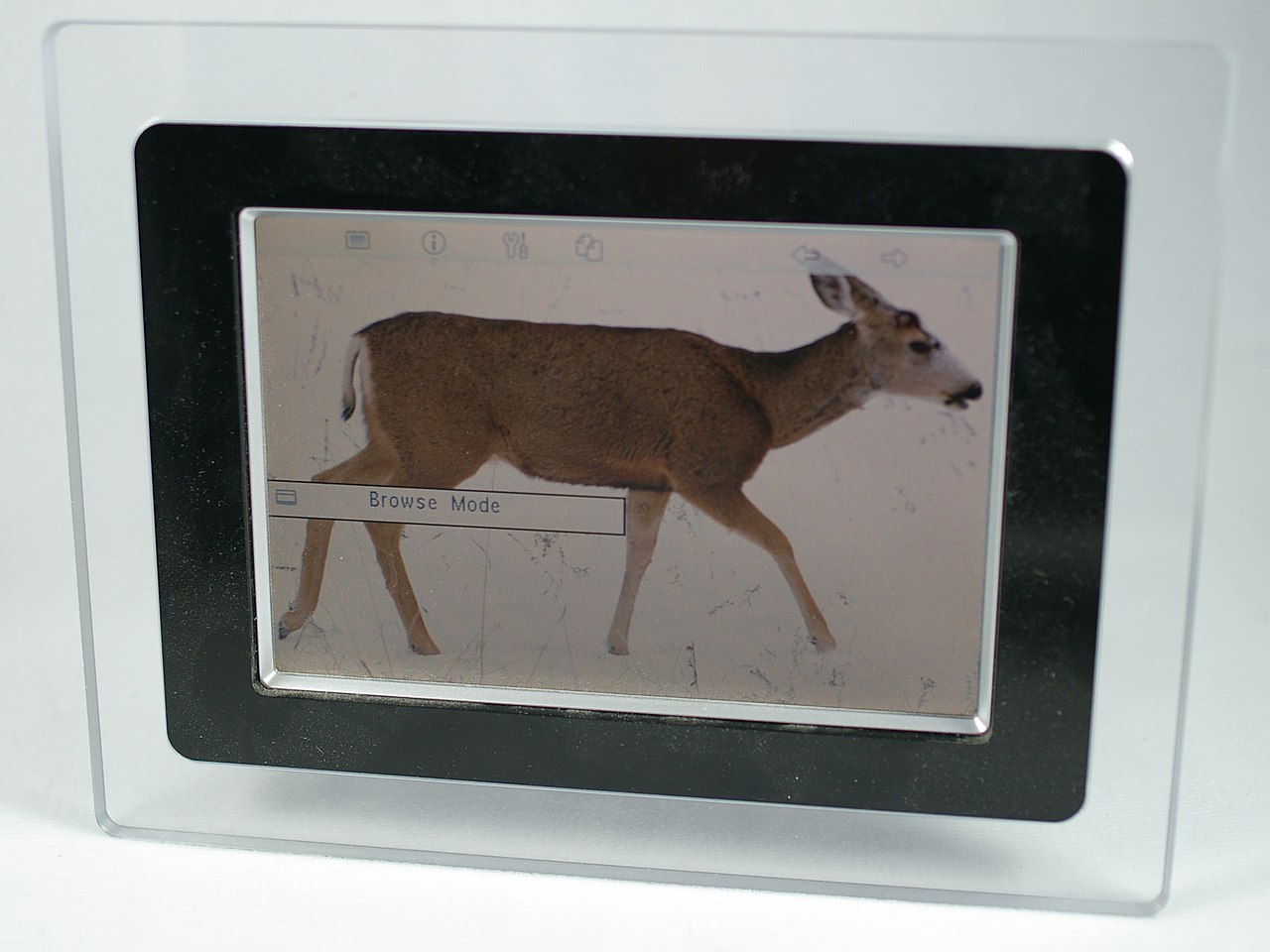
Digital photo frames are an easy, modern way to enjoy your favorite images without ever printing them.
Simply load a selection of photos onto the frame, activate the slideshow, and you’ll have a rotating gallery that brightens your home throughout the day.
Many 2026 models even sync with cloud libraries, letting you update images remotely or share albums with family.
They’re especially thoughtful gifts for relatives who have years of photos buried on their hard drives, a digital frame turns forgotten memories into something visible, warm, and constantly evolving.
Use AI to Create Slideshows

AI‑powered features like Google Photos’ Memories, Apple Memories, and similar tools can automatically assemble slideshows by detecting themes, faces, locations, and events.
It’s a simple way to rediscover forgotten moments or create something meaningful to share with loved ones. These auto‑generated reels often capture patterns you might overlook, making them a surprisingly delightful starting point.
Still, if the AI’s choices don’t quite match your vision, you can always step in and build a custom slideshow yourself. Think of the automated version as inspiration, a quick draft you can refine into something more personal and intentional.
Preserve Your Memories with Photobooks
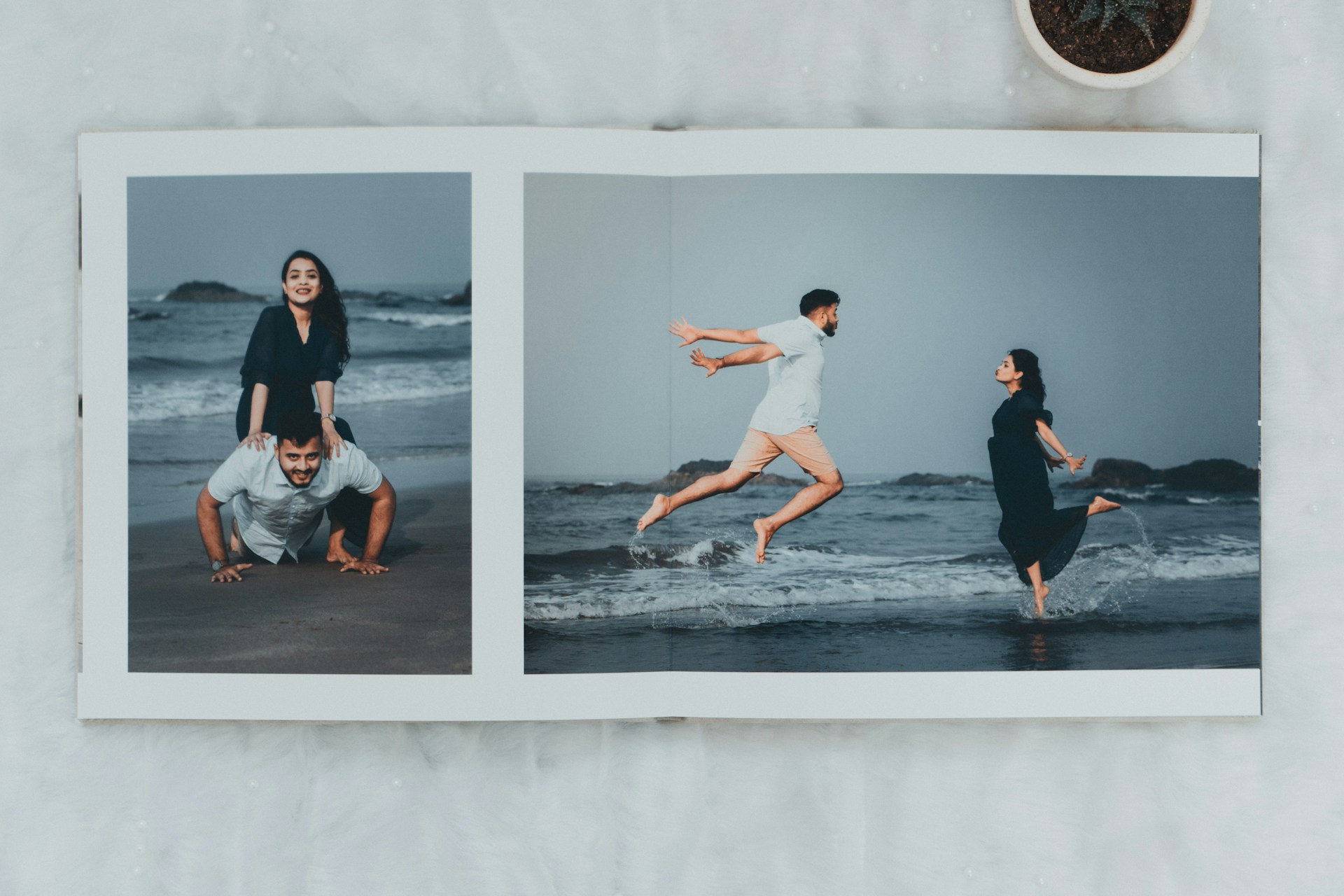
Photobooks are a timeless way to turn your digital images into something tangible and meaningful. By uploading your favorite photos to a service like Shutterfly, Mixbook, or Artifact Uprising, you can design a custom book that tells a story through themed layouts, captions, and curated sequences.
Most platforms offer intuitive editors and beautifully crafted templates, so you can build a polished album in minutes or fine‑tune every detail if you prefer.
Once you’re satisfied, simply place your order and wait for your printed book to arrive. It’s a thoughtful keepsake and a perfect way to preserve memories offline.
Invest in an External Hard Drive
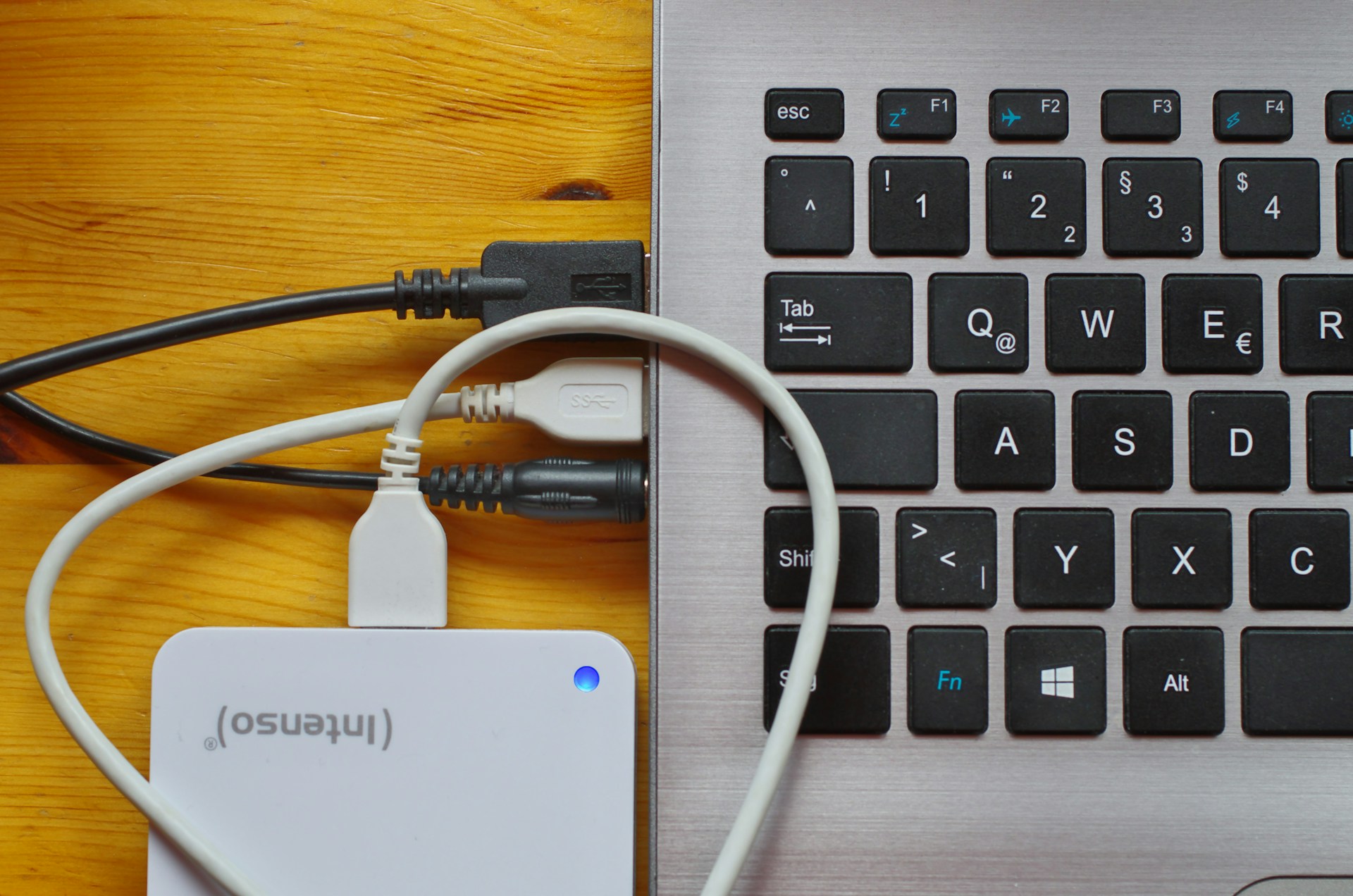
External hard drives remain one of the most reliable ways to create an additional backup of your photo library, especially if you lose access to your laptop, phone, or cloud account.
Simply plug in the drive, drag your photo folders over, and let the transfer run, most modern drives handle large libraries quickly. They come in a wide range of capacities and price points, from compact SSDs to high‑capacity desktop models, making it easy to find one that fits your needs.
Treat your external drive as a safety net: a simple, affordable layer of protection for your memories.
Learn How to Edit Photos
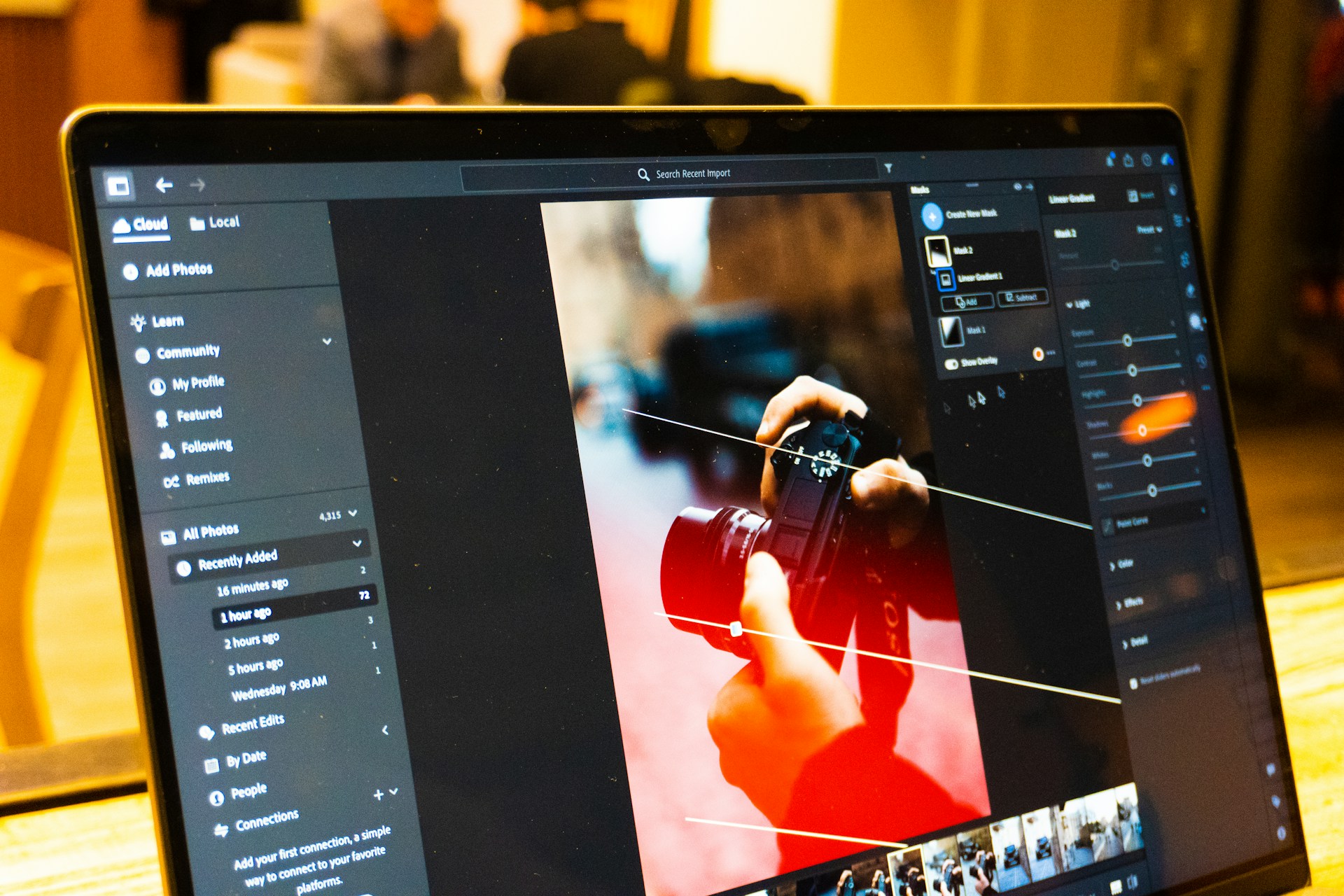
Even a great photo can fall flat if a smudge, blur, or harsh shadow gets in the way and that’s where basic editing skills make all the difference.
Learning to edit your images gives you the power to remove imperfections, adjust lighting, correct colors, and apply filters or presets that make your photos truly stand out.
Many apps now offer AI‑assisted tools that fix common issues with a single tap, but you can always fine‑tune things manually for more control.
With a little practice, editing becomes a simple way to elevate your pictures and bring out their full potential.
Adapt to New Technologies and Software

Technology evolves quickly, and if you don’t adapt, you risk losing access to years of memories. Countless people learned this the hard way when early‑2000s photo‑sharing sites shut down, taking entire libraries with them.
The safest approach in 2026 is to stay alert: monitor the platforms you use, keep an eye on emerging storage trends, and regularly back up your photos in secure, reputable locations.
Make it a habit to check that your cloud accounts are still active and your files accessible. A little vigilance now can prevent irreversible losses later.
Share Private Links with Loved Ones

If you prefer to keep family photos private, explore apps and platforms that let you create secure, invitation‑only albums.
These services allow you to upload pictures, generate a private link, and share it only with the people you choose.
Loved ones can view the images, leave comments, and sometimes even add their own photos, creating a shared space that feels intimate and safe.
Many of these platforms offer password protection or two‑factor authentication for extra security. It’s an easy way to stay connected while keeping your memories away from the public eye.
Periodically Review Your Privacy Settings

Some platforms automatically share your uploaded photos to connected social‑media accounts, which can expose images you intended to keep private.
To stay in control, make it a habit to review your privacy settings every few months and confirm that auto‑sharing features are turned off unless you explicitly want them. It’s also wise to check who can view, download, or reshare your images.
If you’re concerned about unauthorized use, performing a reverse Google image search can help you see where your photos may have appeared online. A little vigilance goes a long way in protecting your digital footprint.
Use AI to Restore Old Photos
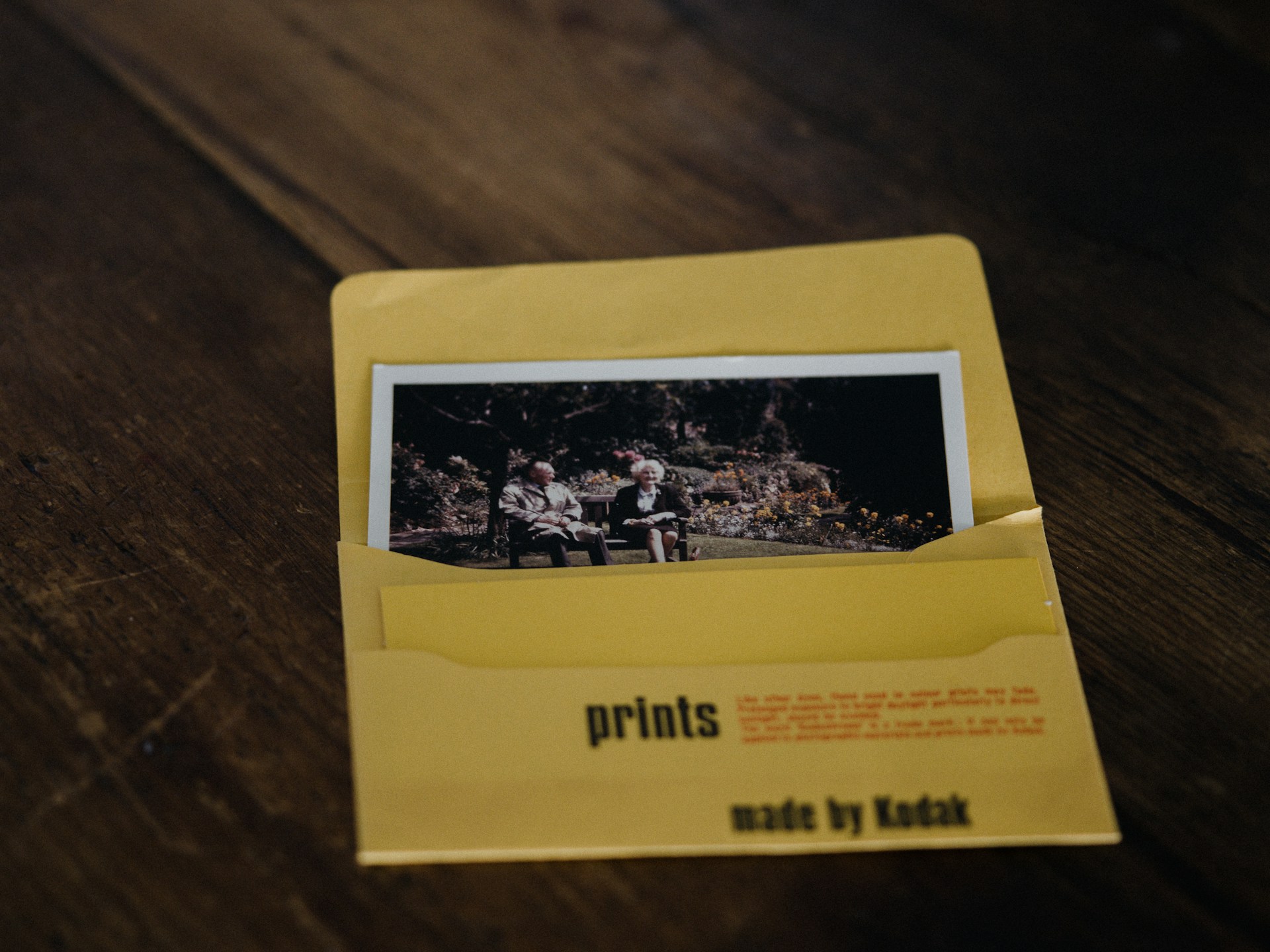
Antique photographs often carry cracks, stains, and faded areas that make it hard to appreciate the people and moments they capture.
To breathe new life into these images, try scanning them at high resolution and using modern AI‑powered restoration tools to repair damage, sharpen details, and enhance contrast.
While the results won’t always be flawless, they can reveal expressions, textures, and backgrounds that were nearly lost to time.
Even a partial restoration helps you reconnect with the original scene and preserves a piece of family history for future generations.