
Slow internet has a way of testing your patience at the worst possible times. The movie buffers right as the action builds, or the video call freezes the moment you need to look professional. It feels like you’re paying for speed that never actually shows up.
Behind the scenes, plenty of hidden factors chip away at your connection. Sometimes, it’s the equipment in your home. Other times, it's the small details you wouldn’t suspect. And when you find out the real culprits, you can start reclaiming the performance you’ve already paid for.
So, keep reading as we highlight the common reasons your Wi-Fi falls short and share simple fixes that make a huge difference.
Overcrowded Wi-Fi Channels
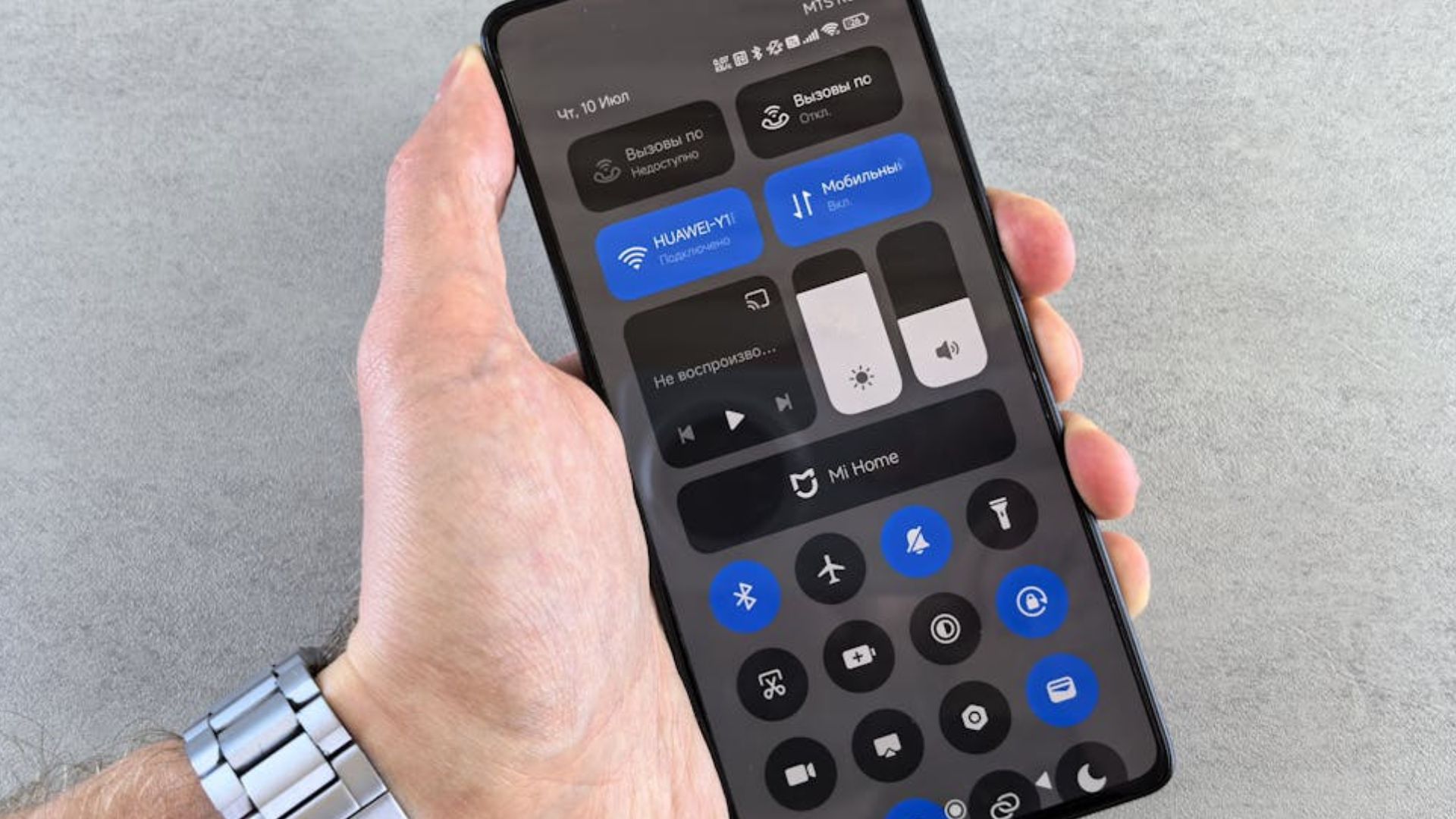
When multiple routers crowd the same channel, the speed takes a hit from nonstop interference. Also, auto-channel selection doesn’t always choose wisely, so you may get stuck in digital traffic. A quick channel swap with a Wi-Fi analyzer can feel like magic. Think of 2.4 GHz as a jam-packed rave, while 5 GHz is the VIP lounge.
Throttling By Your ISP
Sometimes, the slowdown isn’t inside your home at all—it’s your Internet Service Provider (ISP) pulling the brakes. During peak hours, streaming or torrenting often triggers intentional limits designed to ease network strain. Some platforms may escape untouched, but others crawl. Sure, VPN might help in certain cases, but it can’t guarantee lasting freedom from throttling tactics.
Too Many Connected Devices

Every gadget on your network grabs a share of the bandwidth, and the more connections you add, the thinner it spreads. Routers can only juggle so much traffic before performance dips. Even a smart fridge or speaker can cut into streaming speed. Prioritizing key devices through QoS helps smooth things out when demand spikes.
Outdated Router And Tech Holding You Back
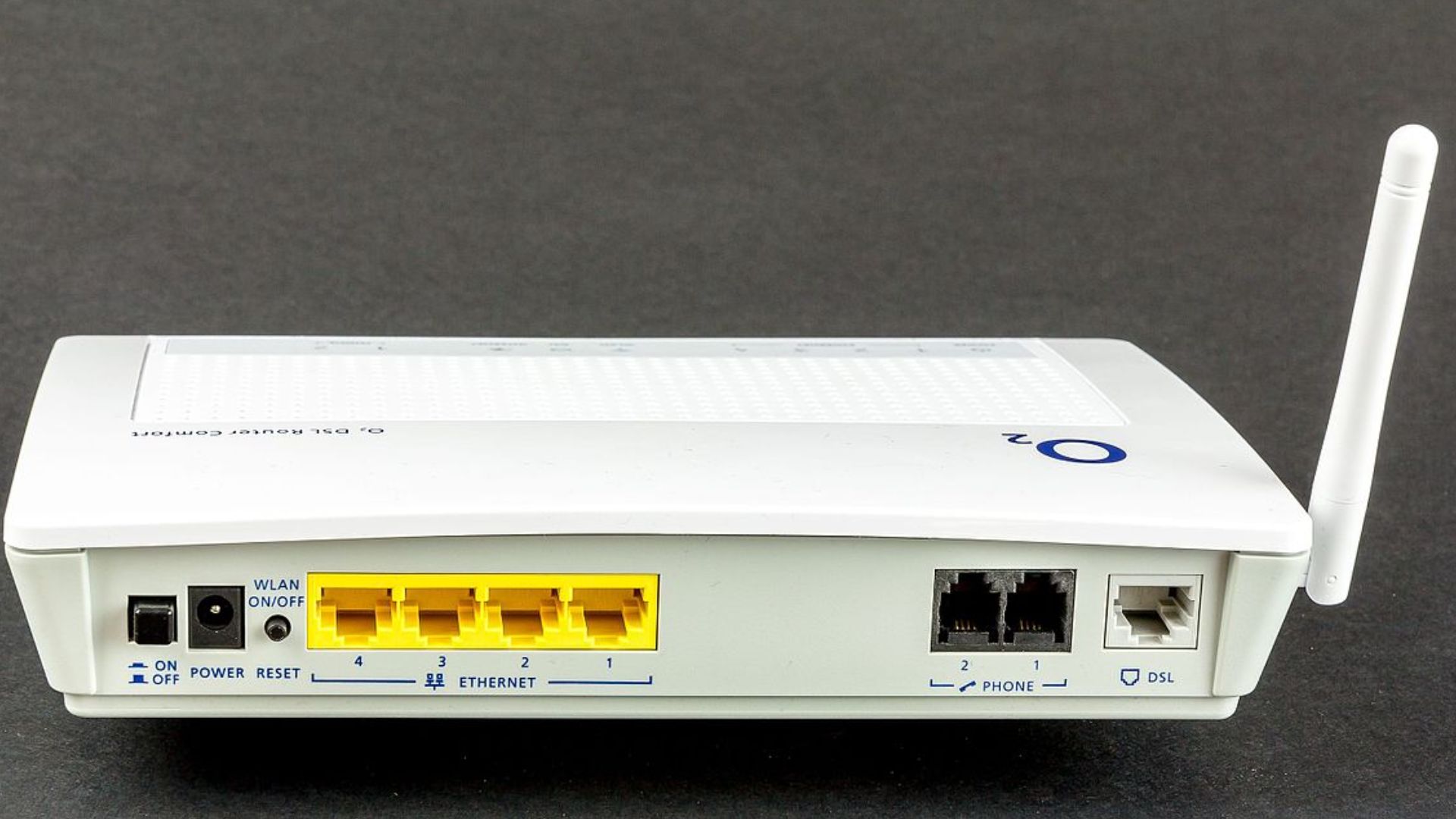
Old routers and devices can’t keep up with modern internet plans. They drag the Wi-Fi into the slow lane. Without the latest Wi-Fi standards or MU-MIMO, routers struggle with multiple devices, while outdated device chips cap speeds no matter how fast your plan is. Solution? Upgrade the router to Wi-Fi 6—or replace that ancient laptop.
Background App Bandwidth Drain
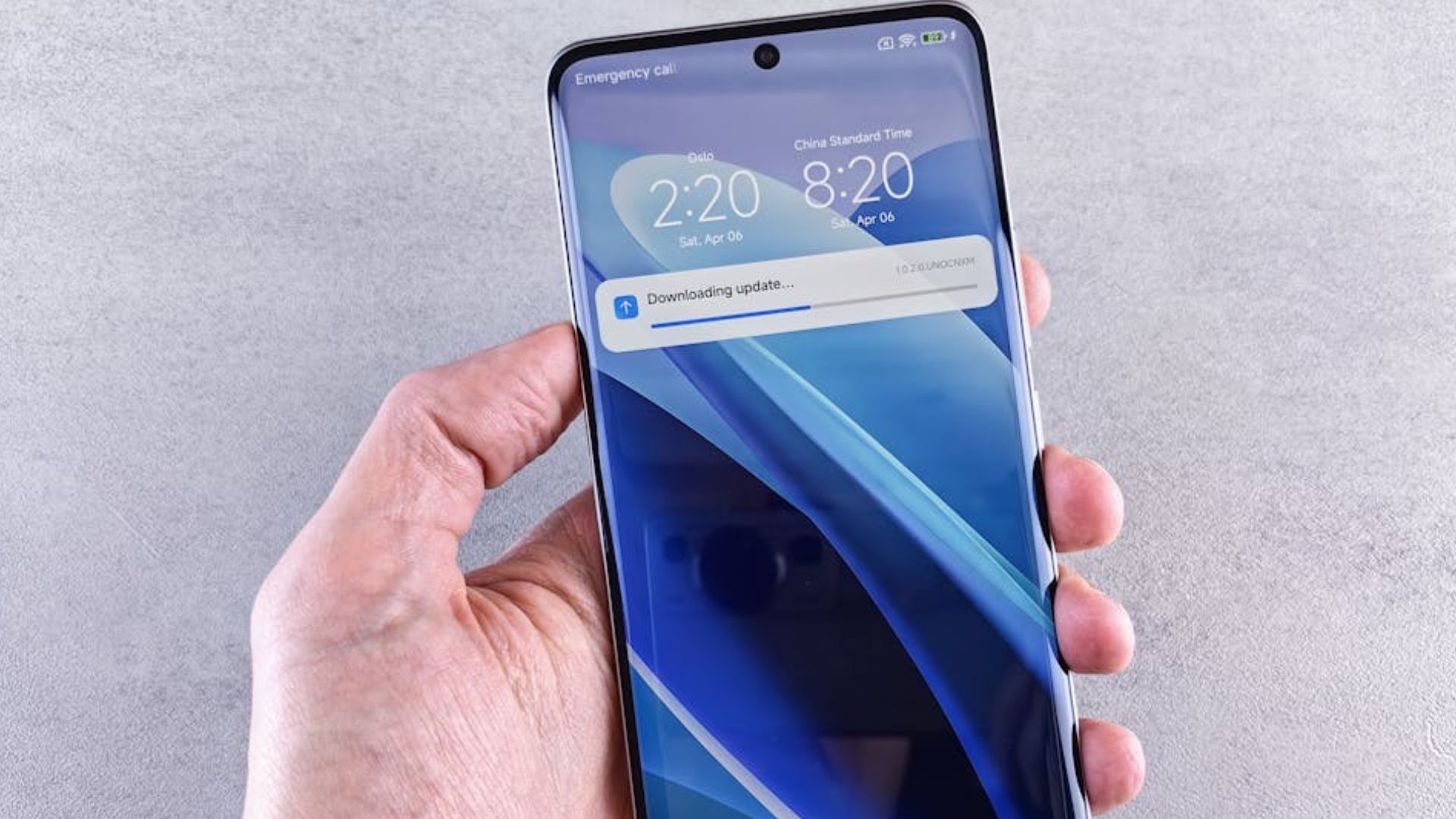
Cloud backups, software updates, or stealthy background downloads quietly consume huge chunks of bandwidth. So, if your console is pulling a giant update mid-movie, it can stall the whole household. Turn off automatic updates to keep those hidden drains from hijacking your Wi-Fi when you least expect it.
Distance From The Router

Signal strength fades as you move farther from the router, and devices stuck at the edges of coverage naturally connect at slower speeds. How to avoid that? Either shift closer to the router or set it up near your desk/room. Additionally, Wi-Fi extenders can reach tricky corners.
Suboptimal DNS Settings
Delays in website loading often trace back to sluggish DNS (Domain Name System) servers, the internet's phone book. Many ISPs rely on default options that can’t compete with faster public services like Google or Cloudflare. Just check and change the DNS server. Cloudflare’s 1.1.1.1 promotes itself as the world’s quickest resolver for everyday browsing.
Interference From Household Devices

Your Wi-Fi doesn’t only compete with neighbors—it also contends with your own appliances. Microwaves, cordless phones, and baby monitors disrupt signals, particularly in the 2.4 GHz range. Even heating food can briefly cut speeds as microwave energy collides with data. Add Bluetooth gadgets to the mix, and signal battles quickly erode reliable connectivity.
Plan’s Fine Print Limitations

The speed on your contract represents a maximum, not a guarantee. Shared networks in busy apartments or crowded neighborhoods shrink bandwidth during high-traffic hours. Providers sometimes oversell capacity and leave customers squeezed. Hidden restrictions buried in contracts can also reveal speed limits that few subscribers notice until frustration sets in.
Malware Hogging Your Network
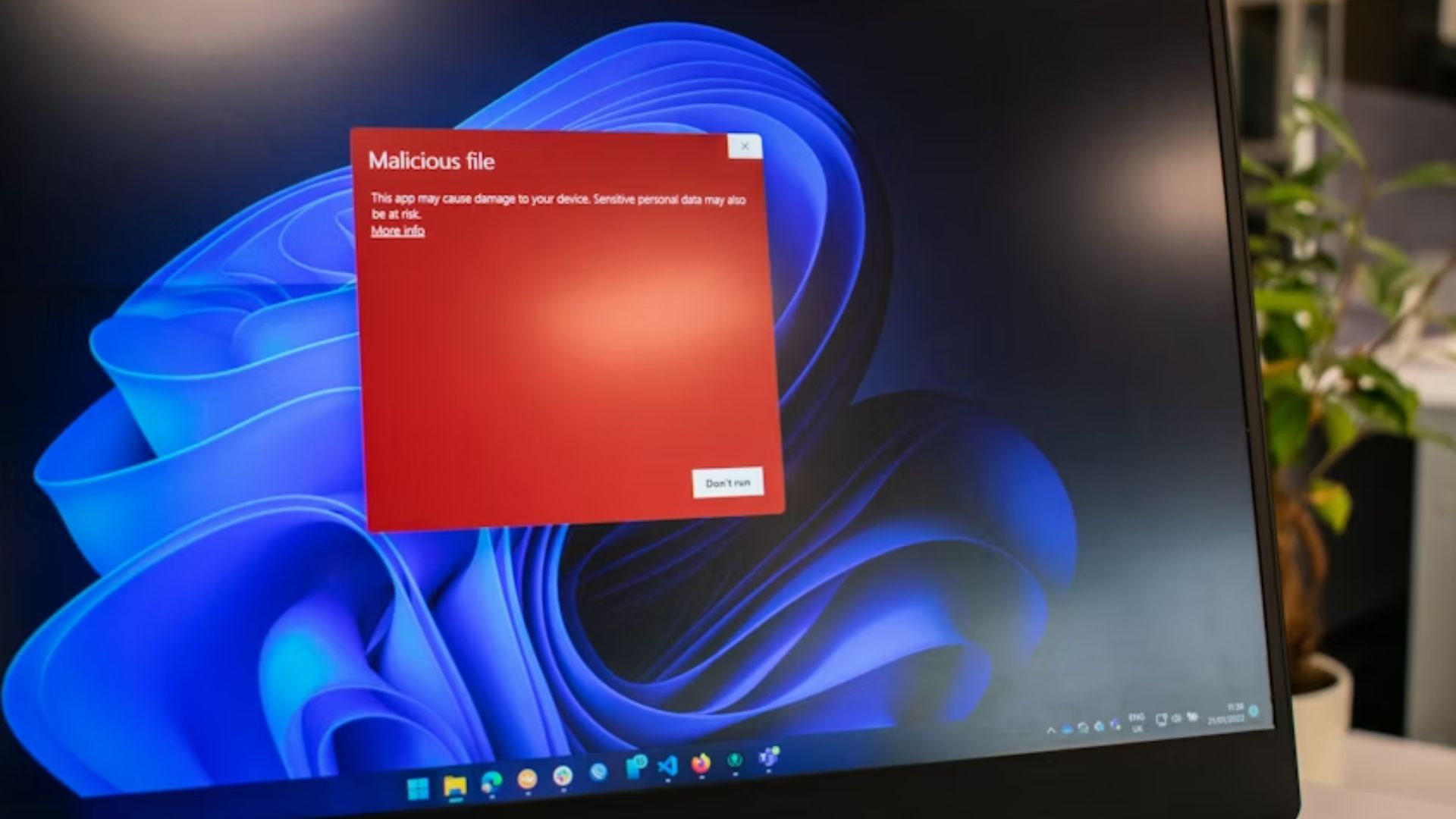
Run a thorough antivirus scan to clean up any mess. Sneaky malware or viruses on your devices can quietly gobble up bandwidth, slowing the Wi-Fi to a crawl. These digital pests run background processes, like sending spam or mining crypto, that steal your connection’s power.