Subscription Traps: 10 Ways to Audit Your Digital Spending
Subscription services, whether Netflix or Ipsy, are enticing for all of us. However, if we don’t keep track of these subscriptions, we could end up paying far more than we expected. Whether it’s rising fees or too many options, we could lose track of our spending. After all, subscription services offer us the opportunity to watch top-rated shows or try out new makeup products.
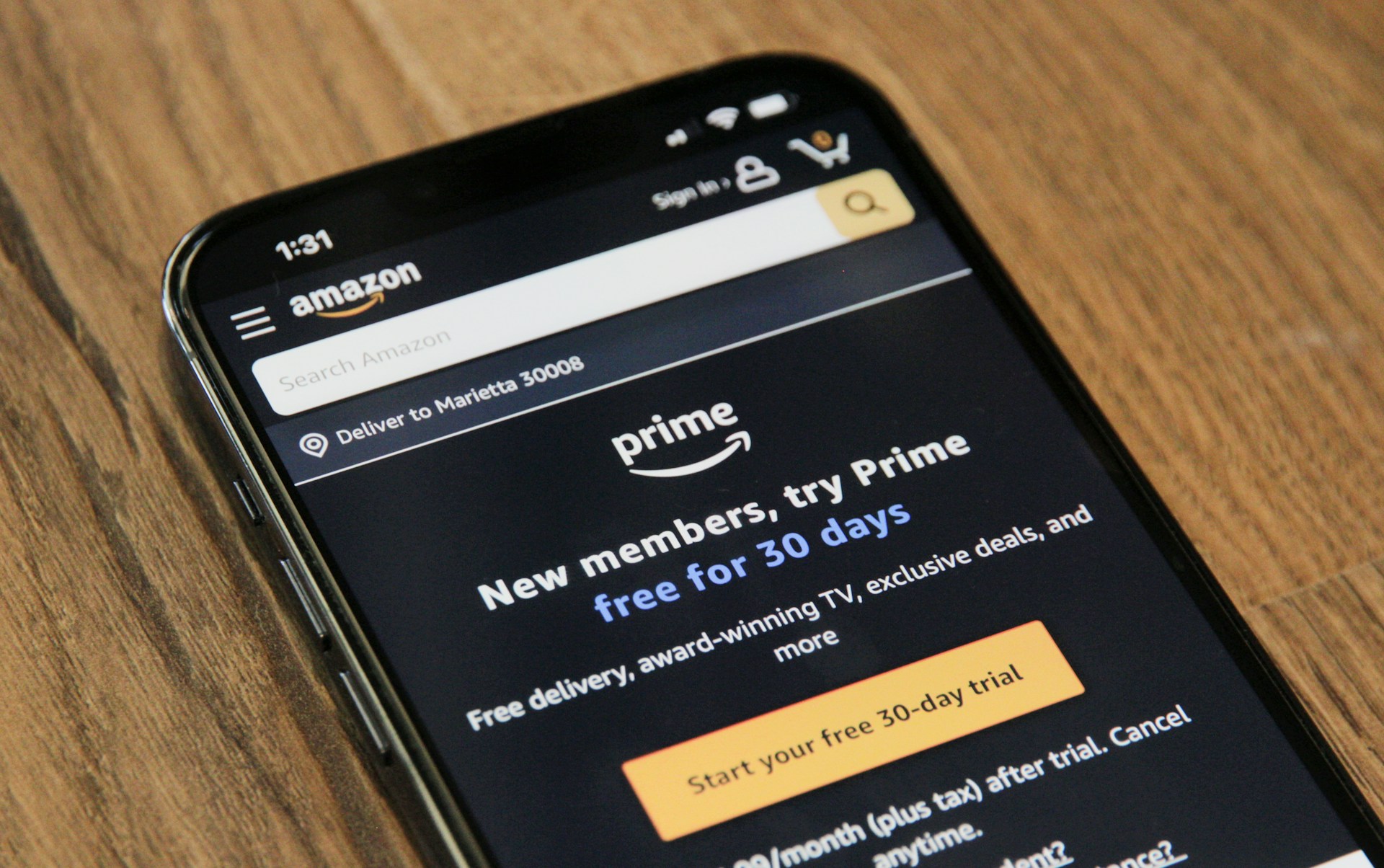
Subscription services, whether Netflix or Ipsy, are enticing for all of us. However, if we don’t keep track of these subscriptions, we could end up paying far more than we expected. Whether it’s rising fees or too many options, we could lose track of our spending. After all, subscription services offer us the opportunity to watch top-rated shows or try out new makeup products.
Once we’ve seen the sudden change in our cash flow, it may be time to audit our digital spending. Sometimes, we may find that we have more than one subscription with a provider, or we may be unaware of opportunities to save on these fees. Tracking and auditing our digital spending enables us to more effectively cut costs and avoid overspending. Let’s review the 10 ways to audit your digital spending.
1. Check Your Credit Card and Bank Statements

Checking your credit card and bank statements is a great place to start. You’ll see all the subscription charges, and you can add up these payments. Tracking monthly payments helps you determine if you are spending too much each month on subscriptions. You may determine that you are paying for services you don’t want anymore.
2. Use Spending Tracking Apps

Using spending tracker apps, like Truebill, can show you how much you pay for your subscriptions. You may be unaware of rate increases and other changes. Too often we set up automatic payments and don’t pay attention to the amount. By tracking your digital spending, you can determine when to cancel subscriptions or update your accounts.
3. Use Spreadsheets to Track Spending

If you keep accurate records of your subscriptions, you’ll know how much you have paid on these services. Spreadsheets are a great way to track your monthly expenses and create a budget. You can use the data to determine when to make cuts and save. You can compare these costs and decide when to cancel subscriptions.
4. Set Calendar Reminders For Subscription Renewals

Calendar reminders are available on your tablet and smartphone. You can review these reminders and decide if you want to continue your subscriptions. The reminders are especially helpful when you are using a free trial and want to cancel. You can also track how much you’ll have to pay to maintain these subscriptions.
5. Try Annual Subscription Options

When it comes to subscriptions for streaming services, you have several options. What you may not know is that if you pay the full annual cost upfront, you could save significantly. Most streaming services advertise their monthly rates, and consumers don’t take advantage of the annual savings.
6. Check Emails For Subscription Receipts

If you aren’t sure when your subscriptions are due, you could monitor your email for the subscription receipts. Most subscription boxes and streaming services will send an email regarding upcoming payments. They will also send a digital receipt after they’ve received your payment. Tracking these payments shows you how much you spend.
7. Audit Apps for In-App Subscriptions

In-app services can be beneficial, but you can easily lose track of them. If you play games on your phone, you may be enticed into paying for upgrades or DLCs for the game. To stay on top of these expenses, you should audit your subscriptions. You can use several methods like spreadsheets to keep up with these purchases.
8. Check For Cancellation Fees and Charges

Before you sign up for a subscription, read through the terms and conditions. You’ll find out if they charge a cancellation fee or other charges if you end your subscription. Sometimes, when you sign up for services, you are required to complete the entire annual subscription. If you don’t, you’ll face these charges.
9. Use Online Credit Cards For Subscriptions

You can set up an online credit card account specifically for your subscriptions. You can review the payments in the account and track your digital spending on subscriptions. You can also allocate a certain amount each month to avoid overspending on in-app purchases.
10. Categorize Your Subscriptions

Sometimes, it helps to categorize your subscriptions to make it easy to determine when to end them. You can determine what is essential and what can go for a few months. When setting up your budget, you can reduce costs when necessary by eliminating non-essential subscriptions.